Digital Wedding Planning Roadmap 2026: The No-Drama System for Timeline, Seating, RSVPs, Budget, and a Wedding Site

Written By
Charilaos Tilaveridis
The digital wedding planning roadmap 2026 isn’t a “nice-to-have” anymore, it is how you keep control. In 2026, 36% of engaged couples are leaning on technology to draft communications and generate inspiration, and that shift is starting to show up in everything, including faster decisions and fewer last-minute fires.
Key Takeaways
| What you plan | What to build in your wedding site | Why it matters in 2026 |
|---|---|---|
| Minute-by-minute wedding day planning | A shareable day-of schedule | Less chaos for vendors and bridal party |
| Guest experience | RSVP tracking, dietary details, meal choices | Faster replies, cleaner inputs |
| Seating | Drag-and-drop seating with exports | Resolve seating conflicts instantly |
| Money | Budget vs actuals in one view | Prevent overspending before it hurts |
| Guest access | QR code links to your hub | No app, quick access, fewer excuses |
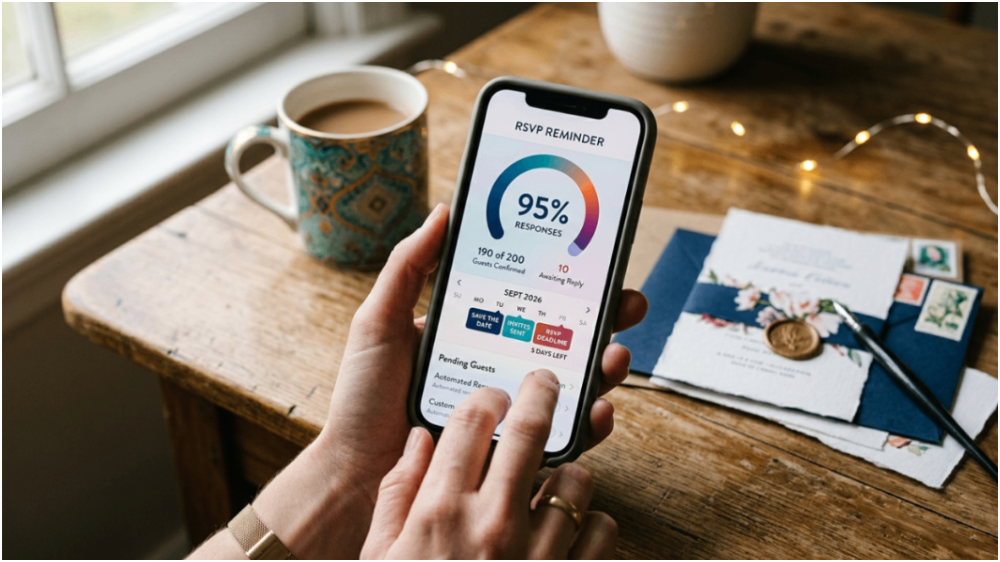
- Start with a wedding site plan, not a million tabs. Your digital wedding planning roadmap 2026 should centralize timeline, RSVP, and updates in one place.
- Design your wedding planning workflow for real people. Asking older or international guests to download an app is a fast way to lose replies.
- Use a minute-by-minute plan for vendors. Build a day-of timeline and export it as a PDF for venue coordinators and guests.
- Keep seating and guest data linked. Import guest lists, assign seats, and avoid rework.
- Track spending early. A wedding budget tracker protects you from category creep.
- Choose a system that scales. In 2026, your guest list growth should not break your process.
Quick answers people actually ask:
- Do I need a free wedding site in 2026? If you want fewer messages back and forth, yes. Even a basic hub reduces guest confusion and consolidates planning updates.
- What should be on a wedding site? Timeline, RSVP flow, key details, and a clear way to update guests when plans change.
- Is digital wedding planning roadmap 2026 realistic for busy couples? Yes, because the workflow is structured: timeline, seating, guest list, budget, and communications all connect.
Want to see how the building blocks fit together? Start with the Everlink features, then pick the piece you need first.
1) Lock the “hub first” foundation: your wedding site in 2026
Here is the truth about wedding planning in 2026. If your wedding site is a mess, your entire digital wedding planning roadmap 2026 becomes a mess.
We build the hub around one simple idea, a wedding site that acts like a single source of clarity for guests and your planning team. It connects your timeline, guest list, and RSVP flow, so updates do not require re-explaining everything in emails.
What to include in your wedding planning hub
- Event basics (date, location, schedule overview)
- RSVP flow with guest details capture
- Dietary and meal choices collected with the RSVP
- Timeline access so your bridal party and guests stop guessing
- Updates that do not require guests to track down messages
If you are aiming for a free wedding site approach, you still need structure. “Free” is not the enemy, chaos is. The goal is a frictionless guest experience, meaning no extra logins for basic access and no app requirements.
For a practical starting point, use a dedicated wedding website builder that hosts details and connects directly to your RSVP and timeline.
2) Wedding day timeline planner that vendors can actually use
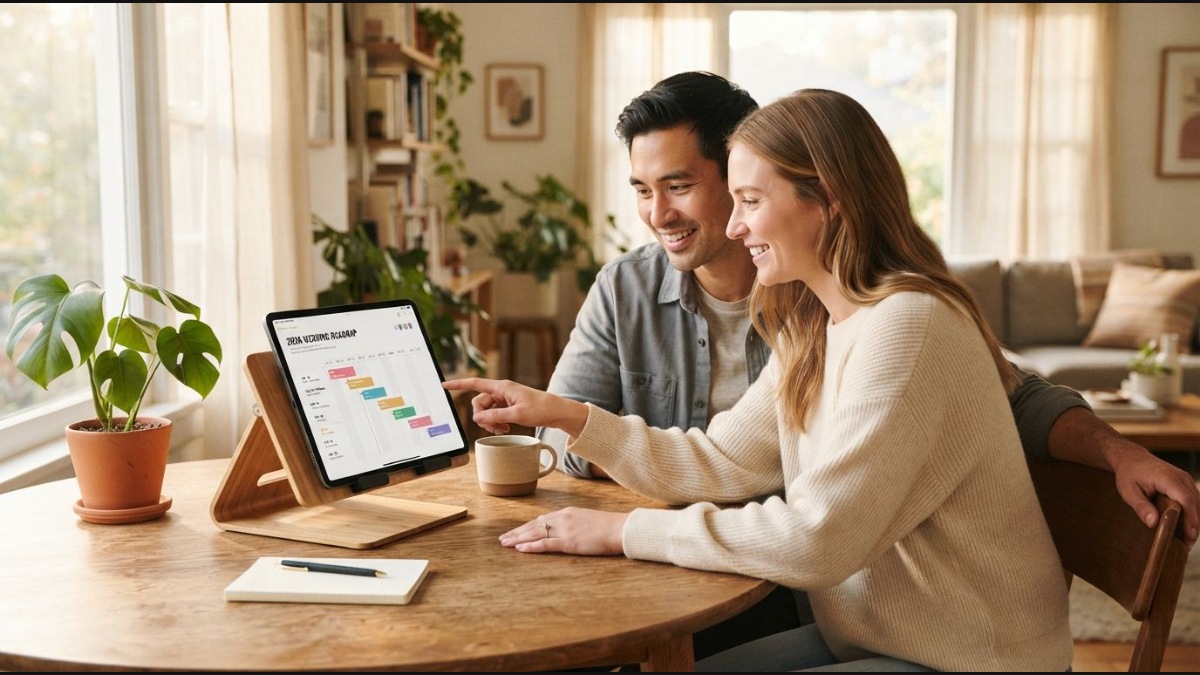
Your day-of schedule is not a scrapbook. It is operations. And in the digital wedding planning roadmap 2026, that means a timeline that you can share and export, not a list buried in notes.
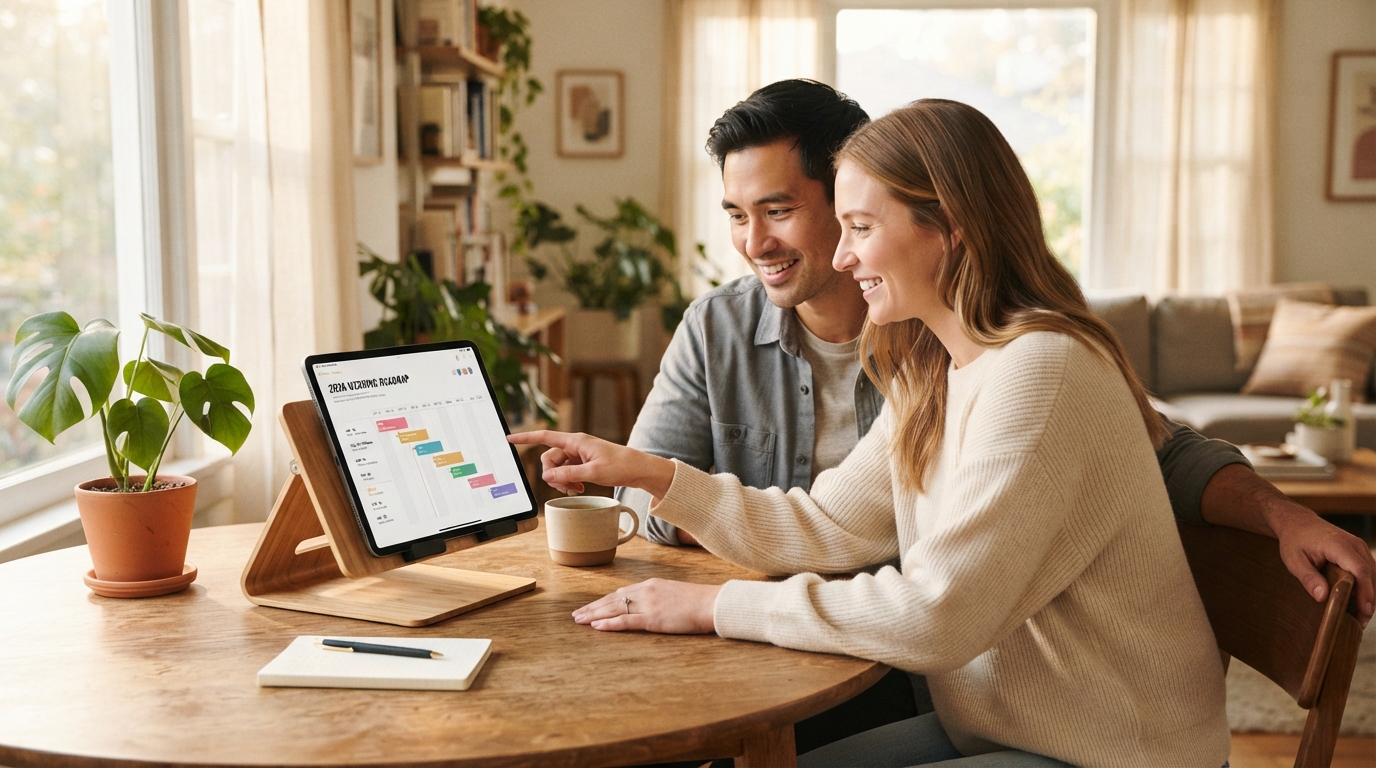
We use a wedding day timeline planner approach where you plan your wedding day minute by minute, assign vendor tasks, and keep everything aligned across your bridal party and guests. The point is real-time updates and an exportable output that venues can coordinate with.
Build your timeline with three outputs in mind
- Minute-by-minute plan with clear handoffs
- Vendor task assignment so responsibilities are explicit
- PDF export for venue coordinators and guests
If you want the exact workflow, start with the Wedding Day Timeline Planner & Day-Of Schedule and wire it into your hub.
Key discipline: plan the minutes that vendors care about (arrival, setup windows, photo blocks), then fill in the rest. No fluff schedules.
3) Seating plan first draft, then conflict-free exports
Seating is where most couples accidentally create extra work. In the digital wedding planning roadmap 2026, we cut that by building the seating plan inside the workflow, not in a separate spreadsheet you keep retyping.
We start with a visual drag-and-drop seating chart tool where you can import guest lists and assign seats in real time. When you need to hand something to the venue or coordinate logistics, you export high-quality layouts.
What to do before you finalize seating
- Confirm your guest list entries are complete (names, RSVP status, dietary needs)
- Decide table logic (VIP proximity, family clusters, accessibility)
- Assign seats with a buffer for last-minute changes
Then lock it down with the Wedding Seating Chart Maker.

4) Guest list manager: RSVP tracking, dietary info, meal choices
A wedding planning roadmap without a guest list system is just a calendar with stress. Guests do not care about your process, they care about clarity and updates.
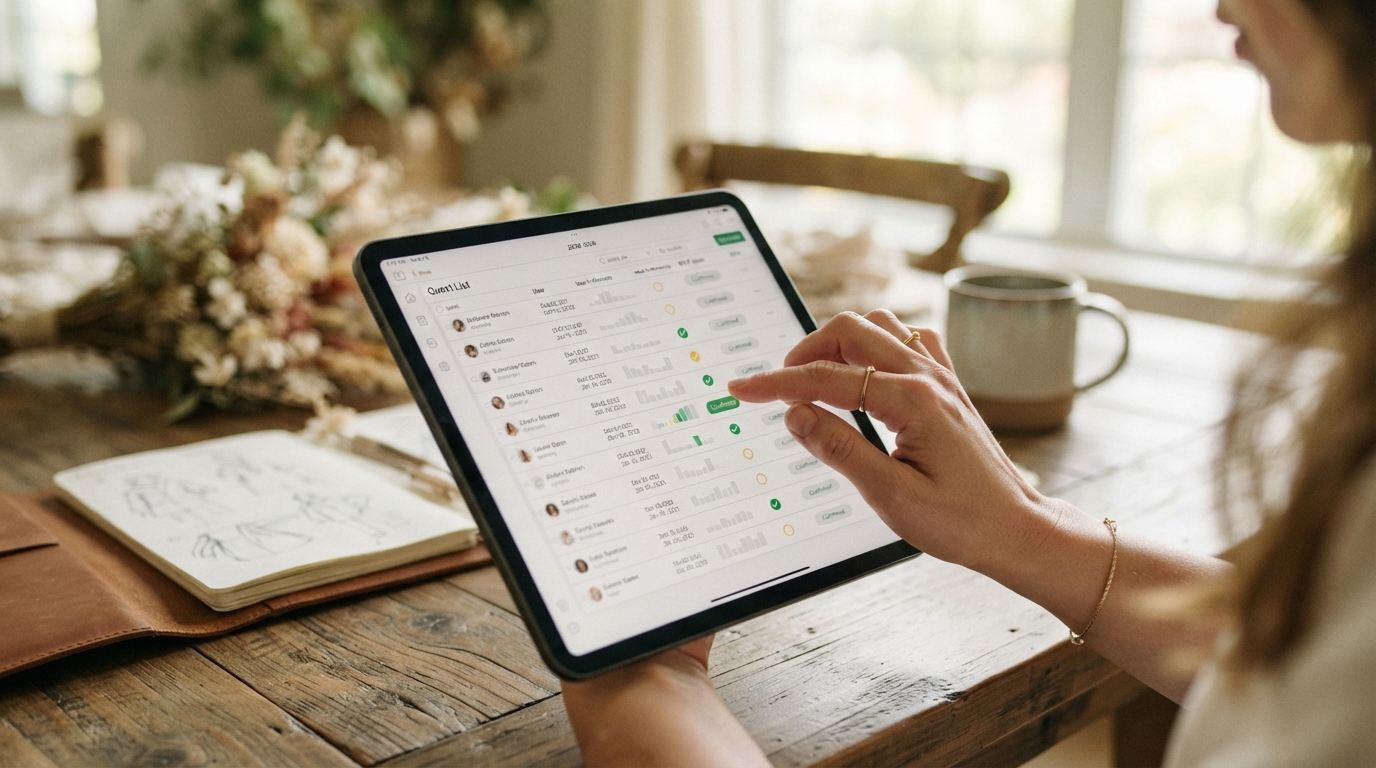
So we build the guest list as the engine. A guest list manager consolidates guest information, manages RSVPs, dietary preferences, and meal choices in one place. Then we sync guest data with seating, timeline, and notifications so people are informed without you acting as an automated relay service.
Make your guest inputs usable
- Capture meal choices alongside RSVP confirmation
- Collect dietary preferences once, not via follow-up threads
- Export guest lists for venue coordination and invitations
Use the Guest List Manager to keep RSVP tracking clean and connected to the rest of your wedding site.
5) Budget tracker that shows budget vs actuals, not vibes
Most couples do not overspend because they are careless. They overspend because they lose track of reality.
In the digital wedding planning roadmap 2026, budget control is a built-in workflow step, not a late-night spreadsheet cleanup. A wedding budget tracker centralizes expenses, categorizes costs, and monitors budget vs actuals in real time.
What you should track
- Vendors (photography, venue, catering, rentals)
- Decor and materials
- Guest experience costs (welcome items, transport, extras)
And when you need to coordinate, export concise budget reports for vendors and partners.
Start with the Wedding Budget Tracker.
6) Communications that do not require extra work from you
If you want frictionless wedding planning, stop forcing guests to “keep up” with you. In 2026, real-time, browser-based updates are the difference between “What time are we meeting?” and “Got it.”
We rely on real-time push notifications that reach guests through browsers on iOS and Android without requiring an app. The messages can cover schedule changes, transport reminders, and vendor updates.
Where this belongs in your wedding planning
- After timeline changes
- When transport details update
- When you confirm vendor arrival windows
For the system, use Real-Time Push Notifications.
7) QR codes and no-app access, so your wedding site stays usable
Here is one of the biggest mistakes in wedding planning in 2026. People assume everyone is happy to download an app, log in, and learn a new system. They are not.
We use a wedding QR code generator approach where you generate custom QR codes for guest RSVP, photo sharing, and event access. Guests scan the code to connect quickly with your wedding hub, without apps, and the QR experience ties directly into your timeline, seating, and guest management features.
Ideas you can use immediately
- QR codes for RSVP confirmations and last-minute dietary edits
- QR codes on tables for timeline reminders
- QR codes for a guest memory flow (photos and comments)
Start with the Wedding QR Code Generator.
8) Disposable camera meets digital keepsake, without forcing extra steps
Some couples want guest photos without hiring a second shooter. Others want candid moments without awkward “Where do I upload this?” conversations.
We support a digital disposable camera experience that lets guests capture moments digitally. It integrates into the digital guest memory experience within the system, so your wedding memories are collected alongside the rest of your planning workflow, not in a separate universe.
Use the Digital Disposable Camera to keep the guest experience simple and complete.

9) Pricing for 2026: pick the plan that matches your guest list size
Your digital wedding planning roadmap 2026 should not become a subscription you regret mid-planning. You need pricing that makes sense before you commit.
On the Everlink Pricing page, you have a clear split:
- Basic Plan: $29 (core planning features for small weddings)
- Pro Plan: $79 (full suite for larger weddings with advanced tools)
Both include access to timeline, seating, RSVPs, budget, and website features, so the deciding factor is whether you need the advanced tools for a bigger guest list.
How we recommend choosing in 2026
- If your guest list is tight and you want a clean wedding planning workflow, start Basic.
- If you expect schedule complexity, larger seating changes, and more communication, go Pro.
- If you are tempted by “free wedding site” shortcuts, remember that the real cost is your time spent fixing mistakes later.
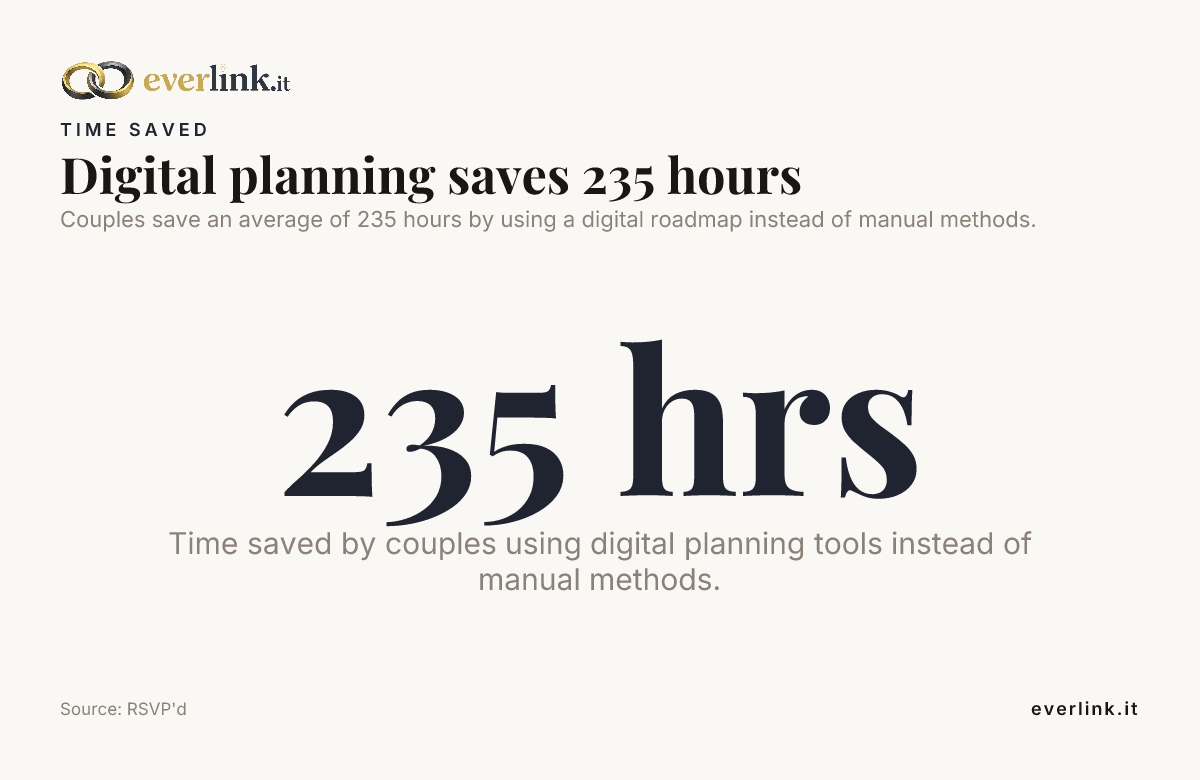
Couples save an average of 235 hours by using a digital roadmap instead of manual methods.
Conclusion: Your digital wedding planning roadmap 2026 should feel controlled
A digital wedding planning roadmap 2026 is not about chasing tech for the sake of it. It is about having a wedding site that stays usable, a wedding planning workflow that connects timeline, seating, RSVP tracking, and budget, and communications that do not drain you.
Build your hub, plan the minute-by-minute schedule, lock guest inputs, make seating conflict-free, and keep budget in view. If you do that, you do not just “organize.” You protect your time, and you stop letting logistics write your day for you.
Frequently Asked Questions
What is a digital wedding planning roadmap 2026?
A digital wedding planning roadmap 2026 is a structured workflow that uses your wedding site to centralize timeline, guest list, RSVP tracking, seating, and budget. Instead of juggling separate documents and messages, you keep everything connected in one place for faster decisions and fewer last-minute mistakes.
Do I really need a wedding site for my wedding planning in 2026?
Yes, if you want guests to have reliable information without chasing you. A wedding site becomes the hub for your digital wedding planning roadmap 2026, especially for timeline changes, RSVP updates, and key details that need to stay consistent.
Is a free wedding site enough for real RSVP tracking and guest management?
A free wedding site can cover basic details, but free options often fall apart when you need real RSVP tracking plus dietary and meal preferences. If your wedding planning includes seating exports and connected notifications, you will feel the limitations fast.
How do I share my day-of timeline without emailing everyone in circles?
In 2026, the clean method is to build a day-of schedule and share it through your wedding site, then export a PDF for venue coordination when needed. This keeps your timeline consistent across vendors and bridal party, without you becoming an update relay.
Should we use QR codes or a full app for guest access in 2026?
Use QR codes if you want guest access without asking people to download apps or create accounts. QR code workflows connect guests directly to your wedding hub, which keeps your digital wedding planning roadmap 2026 simple and low-friction.
How do I prevent seating mistakes after RSVPs come in?
Link seating to your guest list manager so RSVP updates flow into the seating plan. In a proper digital wedding planning roadmap 2026, your seating chart tool imports guest lists and assigns seats in real time, so changes stay controlled.
What plan should we choose for our wedding planning roadmap in 2026, Basic or Pro?
For small weddings with a straightforward workflow, Basic Plan ($29) can be enough. For larger guest lists and more complex coordination, Pro Plan ($79) gives you the full suite so your wedding planning stays stable as the details grow.
Charilaos Tilaveridis
With a background in cinematic visual storytelling and high-performance web development, Haris leads the creative vision and digital architecture behind Everlink. Combining technical precision with an eye for design, he creates seamless, modern digital experiences that help couples capture, celebrate, and share their most meaningful moments.
computerman.gr↗Share this story
Related stories.
Wedding Website Functionality 2026: What Your Wedding Site Must Do (Not What Looks Pretty)
Premium Wedding Website Builder 2026: The No-App, No-Fuss Way to Run Your Wedding